[Guide] Voice Chatter
 Voice Chatter the perfect free alternative to Ventrilo and TeamSpeak. Firstly it’s free did I already mention that? I think so.
Also it has a lot of administration options, like User management, Group management, Channel management etc – The quality is better than Ventrilo and TeamSpeak, the delay is less and it runs flawless on Wintendo 7.
I’ve made a little guide to get you going on one of our servers.
1 ) Download Voice Chatter: Click -> [download id=”33″ format=”2″]
2 ) Install it
3 ) Start up Voice Chatter
3.1 ) Click on the link besides here to connect to VC or use the guide below: Connect to VC here
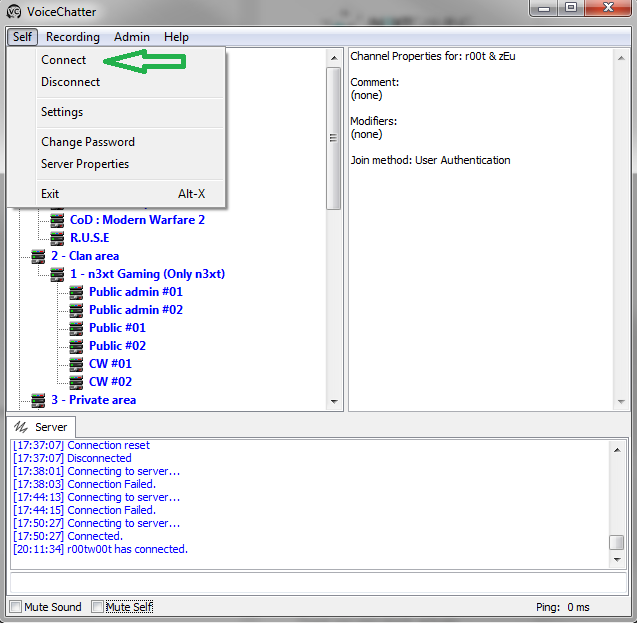
4 ) Click the Self Tab, then Connect
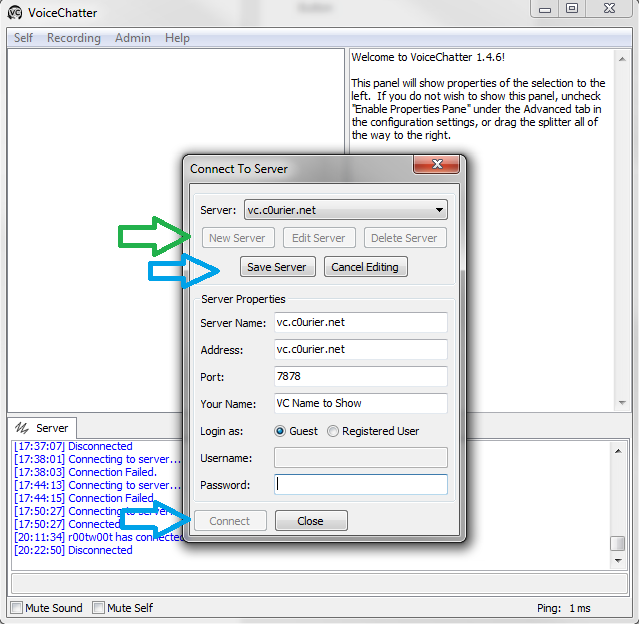
5 ) Click new server, and fill out the information as showed on the picture:
(Server name: Voice Chatter – c0urier, Address: vc.c0urier.net, Port: 7878, Your Name: Something?)
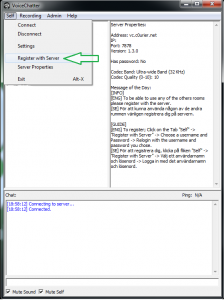
6 ) Now when you’re connected click; Self, then Register with Server
7 ) Fill out the Username and Password you want.
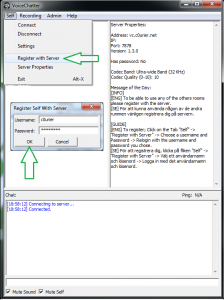
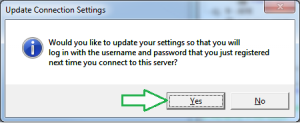
8 ) Click OK, then say yes to updated your auto connection settings.
9 ) Disconnect from the server and reconnect and you know have a registered user.
Video Guide:
[flv width=”620″ height=”820″]/files/video_blog/vc_guide.mp4[/flv]
